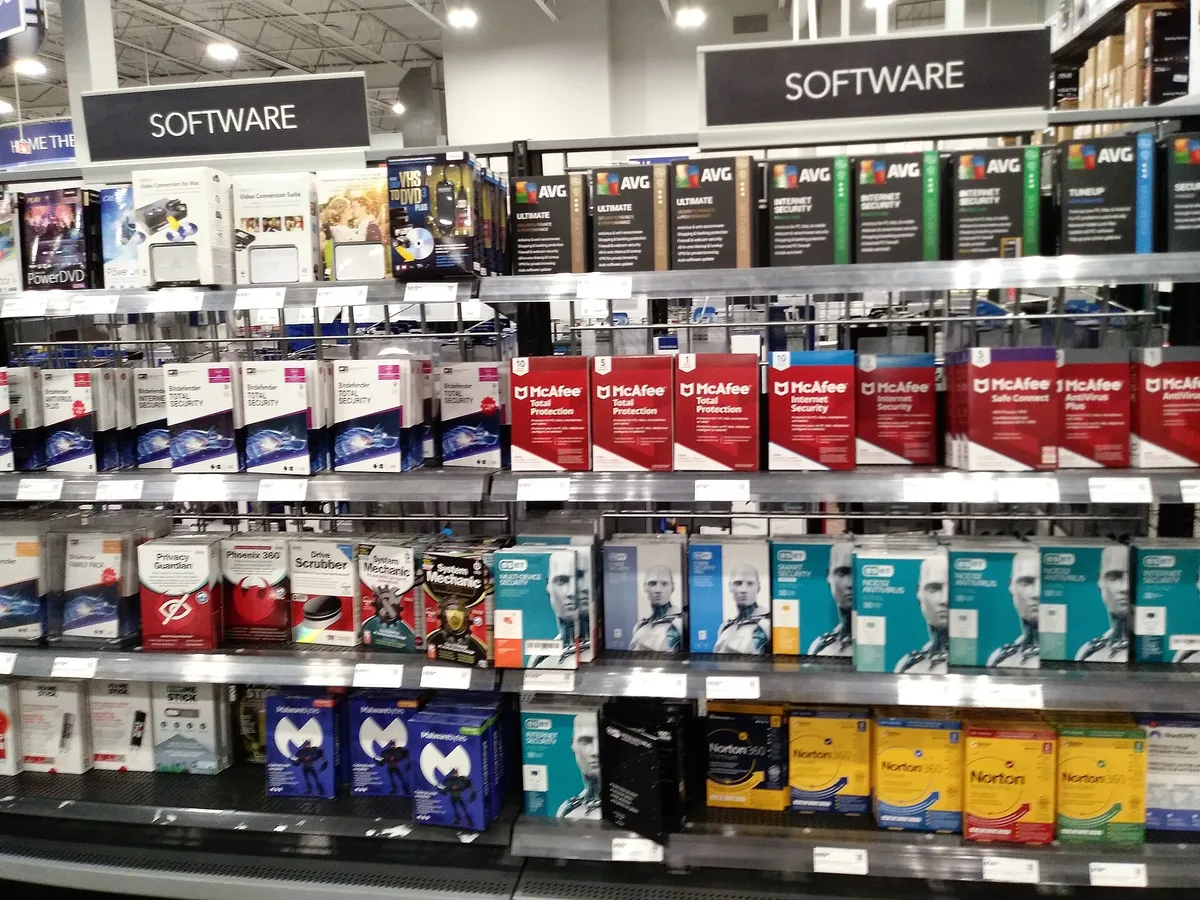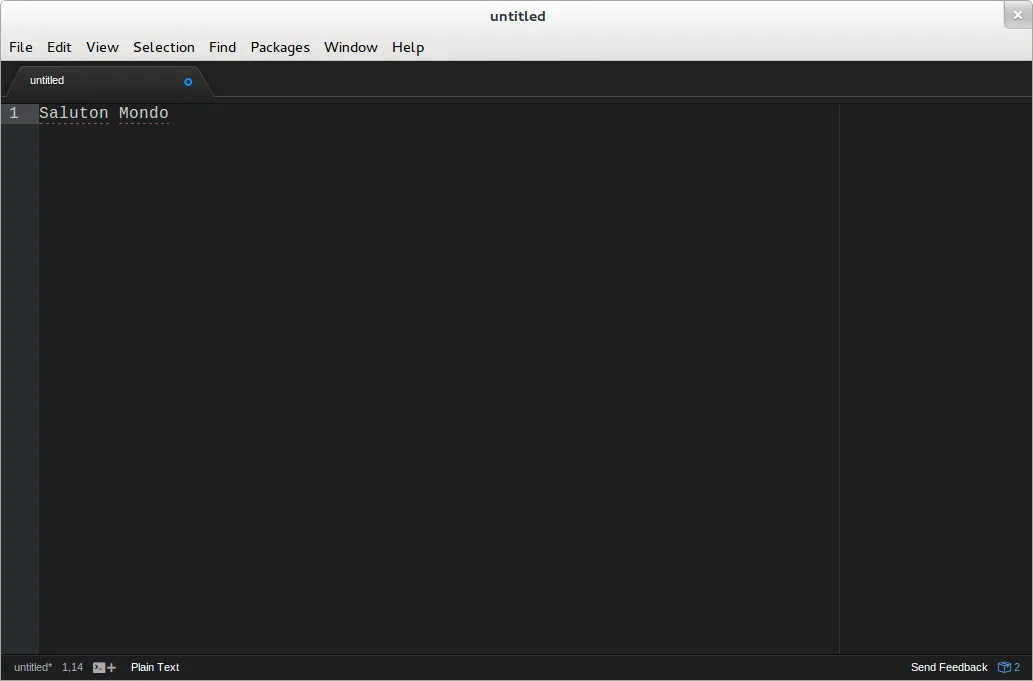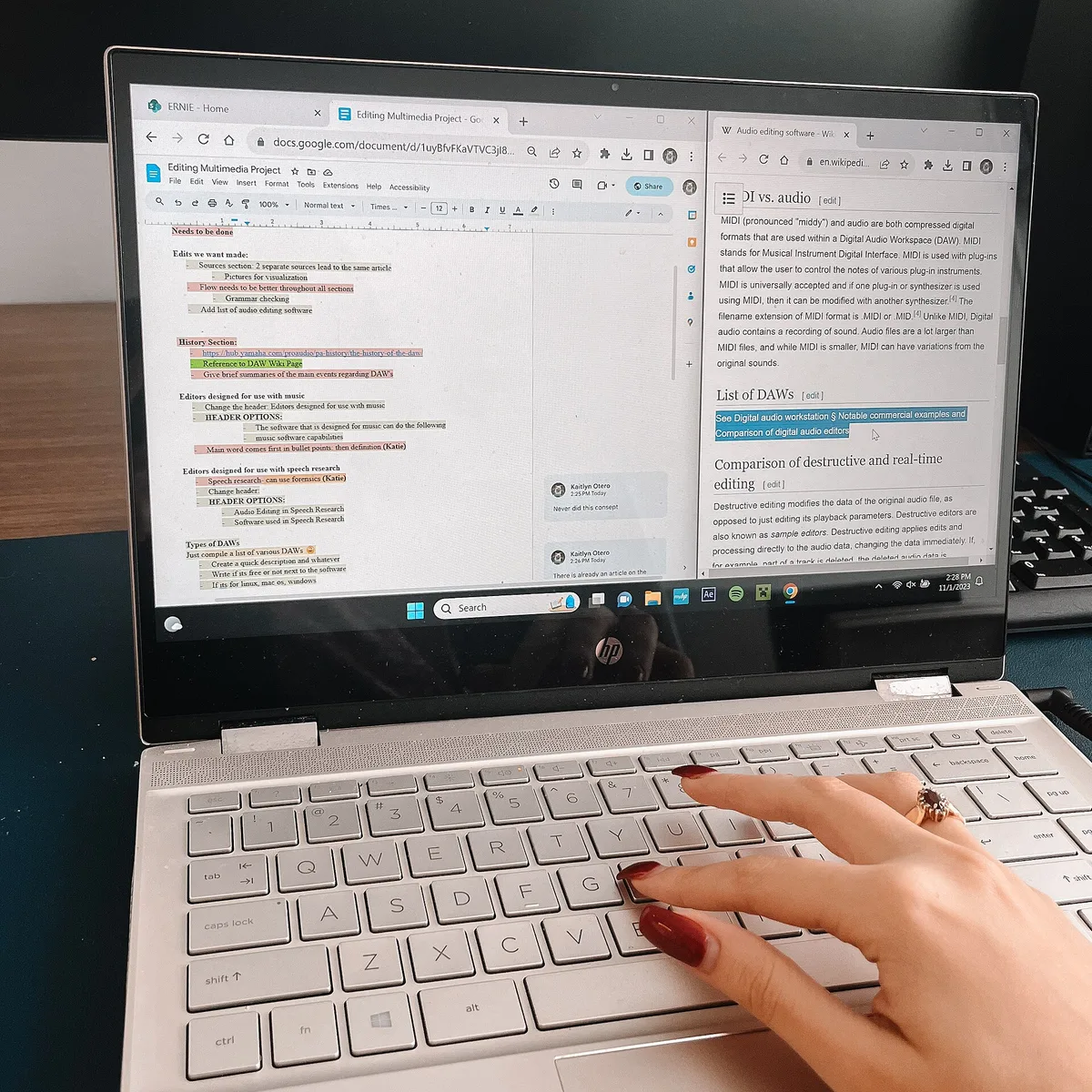
The tool market has split into two payment philosophies: Scrivener, the long-standing novelists' workbench, still sells a one-time license in the vicinity of sixty dollars, while Ulysses and the subscription note-and-doc stacks — Adobe's and Microsoft's among them — bill monthly; free options led by Google Docs and Obsidian's free tier cover the basics. What a drafter actually needs is narrower than any feature list: a drafting surface that disappears, a structure view for revision, version history that survives mistakes, and an export path to what editors expect. No tool writes the book, but the wrong one can slow it for years.
This comparison reflects published feature and pricing documentation; prices and terms change, so verify before buying.
What are the main options, honestly?
| Tool | Model | Strength | Watch out for |
|---|---|---|---|
| Scrivener | One-time license (~$60) | Binder of chapters/scenes, corkboard, snapshots, flexible compile | Learning curve; compile dialog intimidate |
| Word | Subscription / one-time | The industry's submission and copyedit format; track changes | Drafting in it invites endless micro-formatting |
| Google Docs | Free tier | Zero-setup sharing, strong history, anywhere-access | Structure view is weak past ~50 pages |
| Ulysses | Subscription | Clean markdown drafting, library sync, goals | Costs compound; markdown export needed for agents |
| Obsidian | Free personal use | Linked notes — research and world-building heaven | Not a manuscript compiler; plugin tinkering |
| iA Writer / FocusWriter | One-time / free | Distraction-free plain text | Minimal structure tooling by design |
Which features matter for drafting versus revising?
Different phases, different tools. Drafting wants disappearance: full-screen mode, typography you stop noticing, and a session target — anything that keeps the words arriving. Revising wants the opposite: the structural view where chapters and scenes are objects you can see, move, and label — the digital card table — plus snapshots so an experiment can be rolled back painlessly. Writers who fight their software are usually running a revising tool in a drafting phase or the reverse. The documented professional pattern is phase-switching: draft anywhere, then assemble in a structure-capable tool for passes, then out to the industry format for copyedits.
What does the industry actually require?
A Word-compatible file, mostly. Agents request manuscripts as .docx attachments in standard format; copyediting happens in Word's tracked changes because that is what production departments run. So the export question is non-trivial: any drafting tool must produce clean .docx with sane styles, or the writer pays the formatting tax at every submission. This is Scrivener's compile function's whole job, and the plain-markdown tools solve it through converters like Pandoc. Test the export before committing a manuscript — the failure mode is discovering at query time that your beautiful drafting app emits formatting an agent's reader sees as broken.
What is the plain-text path?
A minority practice with documented adherents among technical writers: markdown or plain text files, one per scene, organized in folders, version-controlled with Git, converted to .docx by Pandoc when needed. The virtues are permanence and portability — plain text outlives every application — and diff-based version history stronger than most apps'. The costs are setup friction and a tolerance for the command line that most novelists reasonably lack. The milder version of the same wisdom applies universally: whatever tool you use, keep chapter files small, back up in a second location, and own files on your own disk rather than only in someone's cloud.
How do you choose without churning forever?
- Start with what you have: a full draft in Docs or Word proves the tool question is smaller than it feels.
- Buy for a problem you have hit — lost versions, structure pain, submission formatting — not for a workflow an influencer showed.
- Prefer one-time licenses and open export; subscriptions need to earn their recurring cost every year.
- Set a decision window: two weeks, one tool, a real project — then stop shopping. Tool churn is procrastination wearing a productive costume.
What matters more than the tool?
The boring infrastructure: backups in two places, a file-naming scheme you will still understand in 2028, and a single place where the current draft lives. Every documented catastrophe story — lost manuscripts, corrupted files, the laptop left on a train — is a backup story, not a brand story. Writers who treat the toolchain as plumbing spend their decision energy on the pages, which is where it pays.
What about voice and longhand adjuncts?
Two hybrids have documented followings. Dictation — phone apps or dedicated recorders transcribed by software or a service — drafts while walking or driving, and chronic-pain writers describe it as career-extending; its cost is a heavier rewrite pass, since spoken prose arrives loose. Longhand-plus-scan reverses the flow: pages drafted on paper, then photographed and transcribed by OCR into the working file, with the typing pass doubling as a first revision. Neither replaces the structure tools above; both add a doorway into drafting on days the keyboard feels like a wall, which is worth more than any feature comparison.
Frequently asked questions
Do professional novelists use Scrivener?
Many do — it has a strong documented base among novelists for exactly its binder-and-snapshot model — but plenty of working writers draft in Word, Docs, or plain text. The published book does not record the tool.
Is a subscription writing app worth it?
Only if its sync or library model solves a problem you actually have weekly. Against a one-time ~$60 alternative, a subscription must outperform for years to break even — run the arithmetic on your own usage before the trial converts.
What should I use for the querying stage?
Word format output, standard manuscript conventions, files named for title and genre. Whatever you drafted in, the submission file is a .docx that opens clean on an agent's machine — test it on a second computer before sending.